
Built to Work with Thermwood CNC Routers
CNC Router Software
Thermwood software covers the full path from design to finished part, from no-programming Cut Ready to THM Desktop, Mastercam and eCabinet Systems. Every product is set up to work with the Thermwood control and is supported by Thermwood's software team in Dale, Indiana.
Thermwood Software Products
Choose by where the work happens: at the machine, in the office or in the classroom.
At the Machine
Software that runs on and around your Thermwood CNC router.
Cut Ready
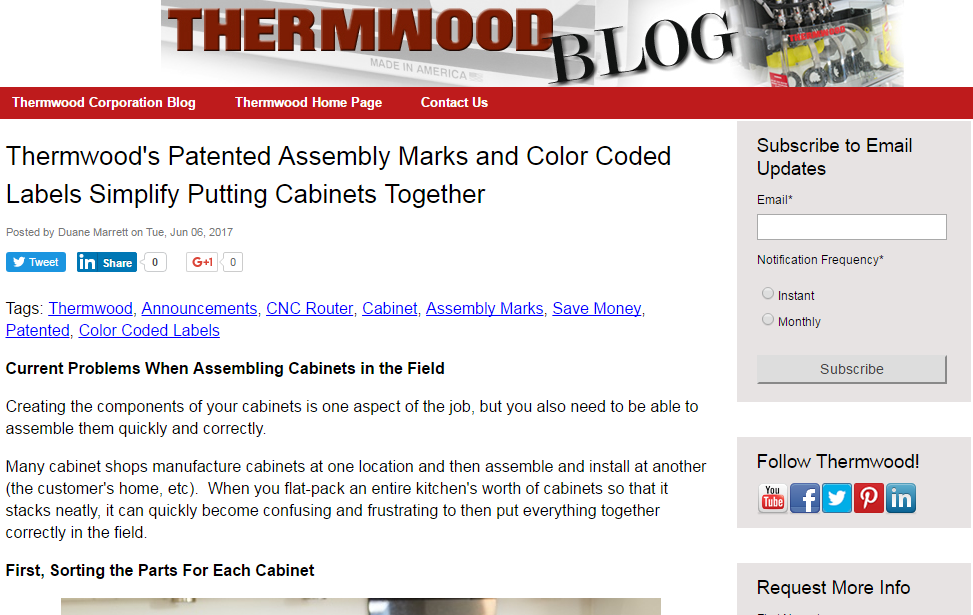
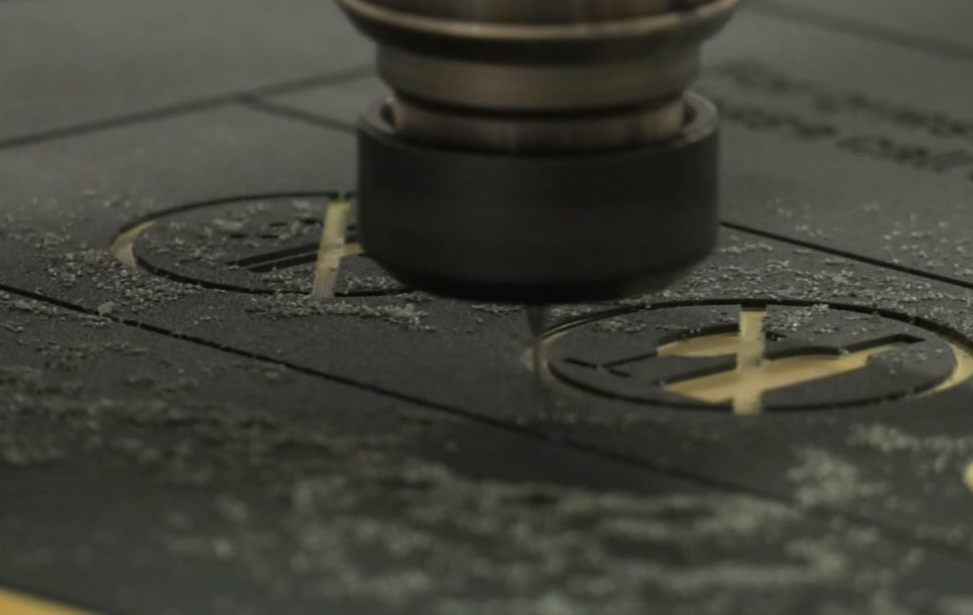
No-programming production software. Design cabinets, closets, furniture or moldings, and Cut Ready nests the parts, runs the router, prints labels and guides assembly. It is built into the Cut Center and available as an add-on for most compatible Thermwood 3-axis routers.
Learn about Cut Ready ›Thermwood CNC Mobile App
Check your Thermwood CNC routers from anywhere, including machine status, program and event history, cycle times, maintenance countdowns and service requests. Available for Apple and Android phones and tablets.
See the mobile app ›Software Updates
Download updates for Thermwood software, including Ultra 6, QCore, Control Nesting, eCabinet Systems, LSAM Print 3D and 3-axis and 5-axis post processors.
Get updates ›Design and Programming
Build jobs in the office so the machine keeps cutting.
THM Desktop
Duplicates the Thermwood control software on an office PC, so you can build nests and machine code without tying up the router. Combine jobs into one nest, trim reusable material and run DXF output from major CAD and cabinet design systems.
Learn about THM Desktop ›Mastercam Router
Industry-standard CAD/CAM software for 2D and 3D router programming. Thermwood supplies Mastercam Router, has worked through the integration with its control and provides software and control support.
Learn about Mastercam ›eCabinet Systems
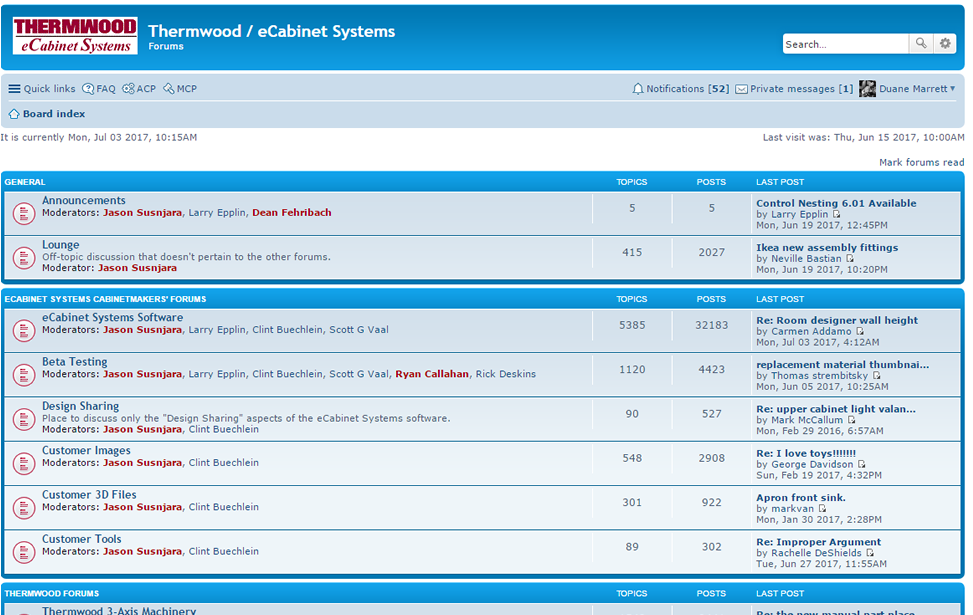
Thermwood's cabinet design and manufacturing software, offered free, with online and in-person training and a network of Thermwood owners.
Visit eCabinet Systems ›Custom CNC Programming
Thermwood programmers write NC code for 3-axis and 5-axis routers, including molds, fixtures and thermoformed part trimming, in Dale or on-site at your shop.
Learn about custom programming ›Training and Support
Learn the software and get help when you need it.
Software Training
Hands-on classes in Dale, Indiana for Mastercam Router (2 to 5 days) and eCabinet Systems (5 days, also online). Software purchases include training for one person in one class.
See software training ›Software Technology Group
Thermwood's software team integrates every product with the Thermwood control and offers free tools such as the DXF Translator and CADpath, custom applications and turnkey packages.
Meet the software group ›From Design to Finished Part
Design. Cabinet and closet shops design in Cut Ready or eCabinet Systems. Shops making other parts design in their own CAD system or in Mastercam.
Program and nest. Cut Ready nests and programs automatically. Everyone else builds toolpaths in Mastercam or brings DXF files into THM Desktop or the Thermwood control, which nest parts from several jobs onto each sheet.
Cut. The Thermwood control runs the job, and the CNC Mobile App lets you watch status, cycle times and maintenance from anywhere.
Keep it current. Software updates, manuals, training and the Advanced Support Program keep your software and your people up to date. See Service and Support.
CNC Router Software FAQ
Do I need to know CNC programming to run a Thermwood CNC router?
Not with Cut Ready. Cut Ready takes you from a cabinet, closet, furniture or molding design to cut and labeled parts with no CNC programming. It is built into the Cut Center and available as an add-on for most compatible Thermwood 3-axis routers. Thermwood's other machines are programmed with CAD/CAM software such as Mastercam, and every new system includes machine training.
What CAD/CAM software works with Thermwood CNC routers?
Thermwood supplies and supports Mastercam Router for 2D and 3D programming. THM Desktop and the Thermwood control run DXF output from major CAD and cabinet design systems, and eCabinet Systems provides cabinet design and manufacturing. Thermwood also posts updated 3-axis and 5-axis post processors.
What is THM Desktop?
THM Desktop puts a copy of the Thermwood control software on an office PC. You can create nesting sessions and machine code in the office while the router keeps cutting, combine several jobs into one nest and automatically trim reusable material. It is licensed for one year, with renewal available.
Can I monitor my Thermwood CNC router from my phone?
Yes. The Thermwood CNC Mobile App shows machine status, program and event history, cycle times and maintenance countdowns, and lets you request service. Monitoring requires a machine on the Advanced Support Program or subscribed to Virtual Service, with Ultra 6 control software version 8.7.0 or newer.
How do I get Thermwood software updates?
Updates for Ultra 6, QCore, Control Nesting, eCabinet Systems, LSAM Print 3D and post processors are on the Software Updates page. Machines on the Advanced Support Program receive control software updates at no extra charge.
Does Thermwood offer software training?
Yes. Thermwood teaches Mastercam Router and eCabinet Systems classes at its training facility in Dale, Indiana, and eCabinet Systems training is also available online. The software purchase price includes training for one person in one class. See Software Training.
Find the Right Software for Your Shop
Tell us what you make and how you design it, and we'll help you choose the right Thermwood software. Call 812-937-4476 or send us a request below.


© Thermwood Corporation